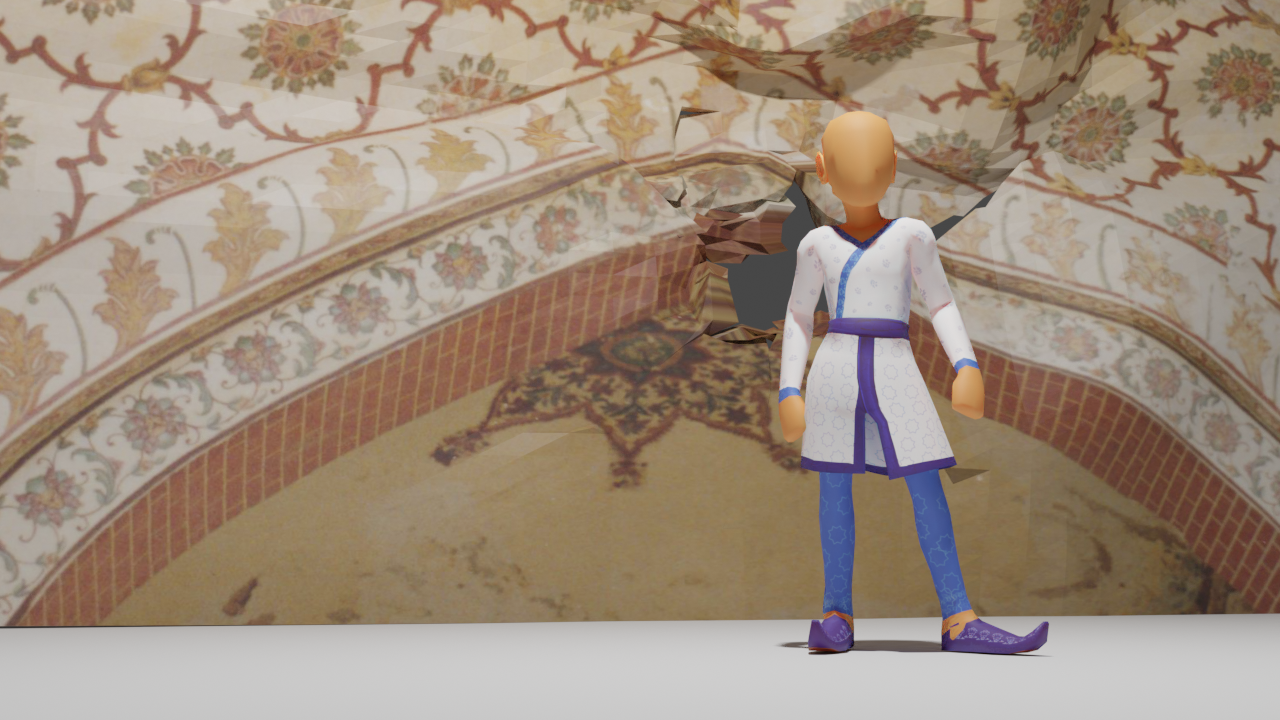
I couldn’t resist rendering this little section out in a 360-viewable format. It literally took 20 minutes to render out each frame, but it’s wonderful to be able to save this progress in a way where you can pause the video and just use your mouse to “look around” the scene.
Just think, once this is in VR, you’ll be able to choose where to go and how close you get to anything!
Making this Fort is an ambitious project, especially since the buildings within span the tastes of four generations of Mughal Emperors.
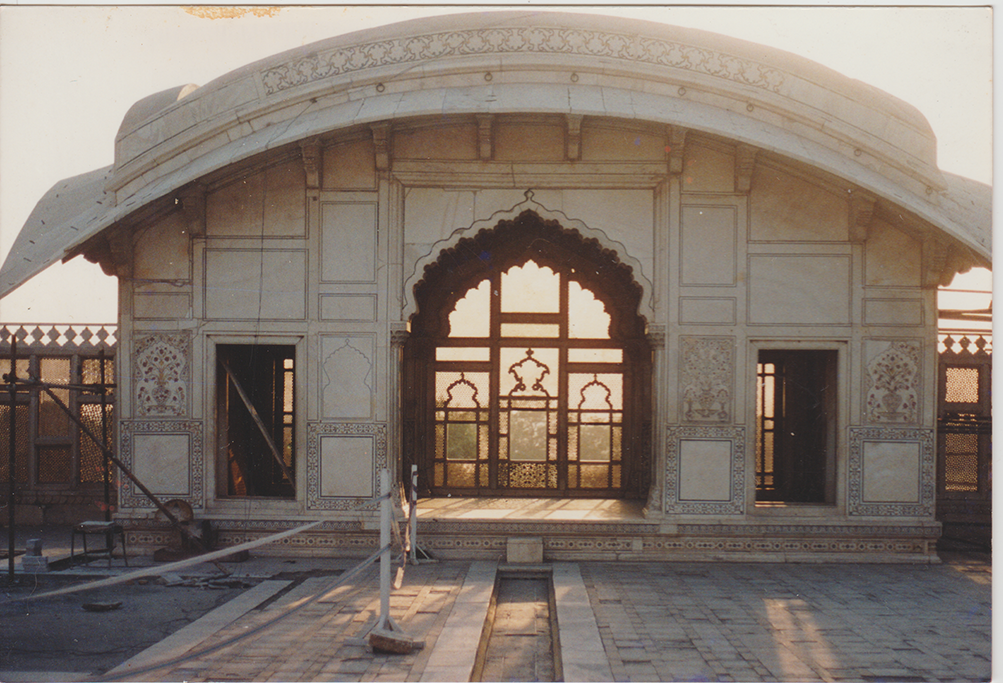
I don’t know what possessed me to try to make the Naulakha (or the Queen’s Pavillion). Maybe it’s because this is one of the smallest monuments in this Fort, or maybe because I had the most pictures of it from my former research. Either way, I jumped into making it and have been editing it for a month to make it feel right.
Finally though, I feel like I’m making a breakthrough. First, I started making sense of the patterns, then I spent ages fiddling with the proportions of the building to make it sit better. And, because I need to keep modeling in Blender to really build that muscle-memory, I added in some rough side-buildings too. (No arches or pillars in those yet, I’m still making really ugly ones!)
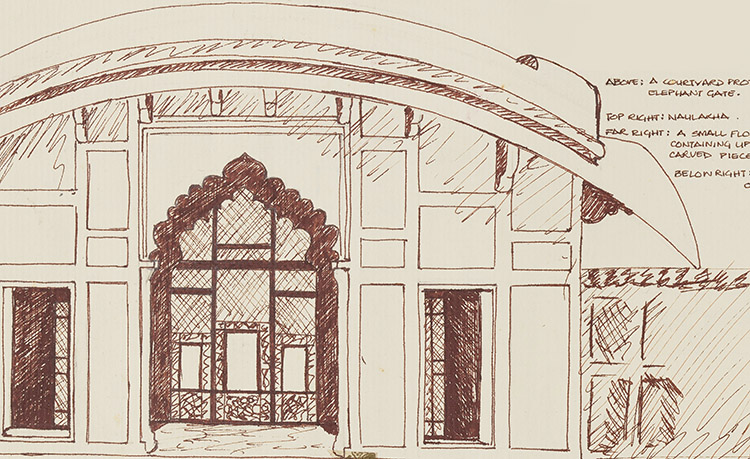
I found this image online and have been referencing it to see where the patterns go.
Now, please be kind about the patterns and stuff, all of this is taking me way longer than normal! But, as I said, I’m taking today’s progress as a win!
This is where I was a month ago…The first render once I applied the latest textures… no real lighting in the scene.
The first of the Great Mughals, Babur was the orphan king who ascended to the throne as an 11-year old. In the decades that followed, he experienced great strife and turmoil, but his unbeatable spirit won the loyalties of armies and followers across Central and South Asia.
Despite not having concrete measurements to officially start builing elements of the Fort, I decided to go ahead and see if I could solve the (inevitable) issues of creating this monument before we get started.
This has led me through quite a process! I build things, hate them and build again. I’ve had a similar experience with the process of creating patterns.
This is what happens when you don’t really look at the pattern you’re trying to mimic.
I’ve been playing around for a while, trying to get a grip on the insane number of patterns that adorn almost every surface of every building inside this Fort. Even trying to create a single interior roof calls for upto 7 sets of patterns and trim variants! And this doesn’t even include the frescos!
Still, every journey begins with a first step, and now I’m starting to build some momentum here. Having gotten the hang of working in Blender and starting to crack the code on how to build Mughal-esque architecture, I’m starting to see some patterns turn out.
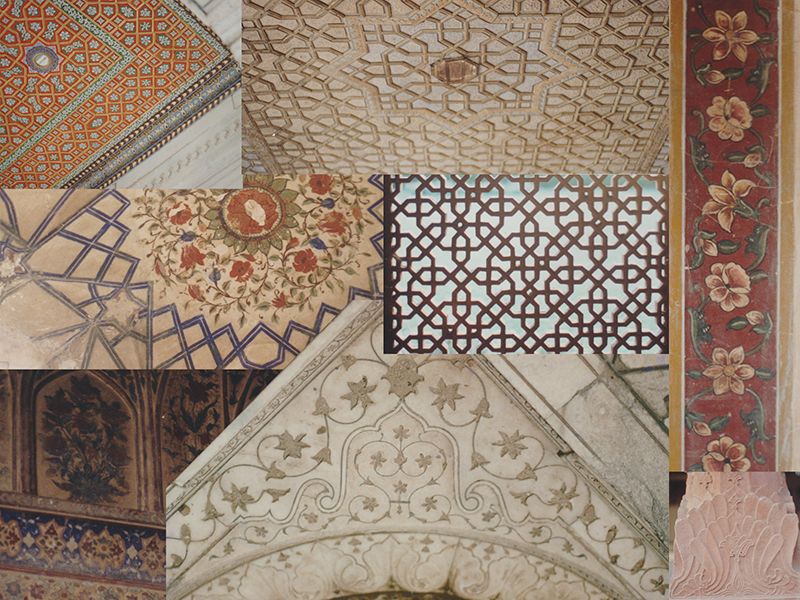
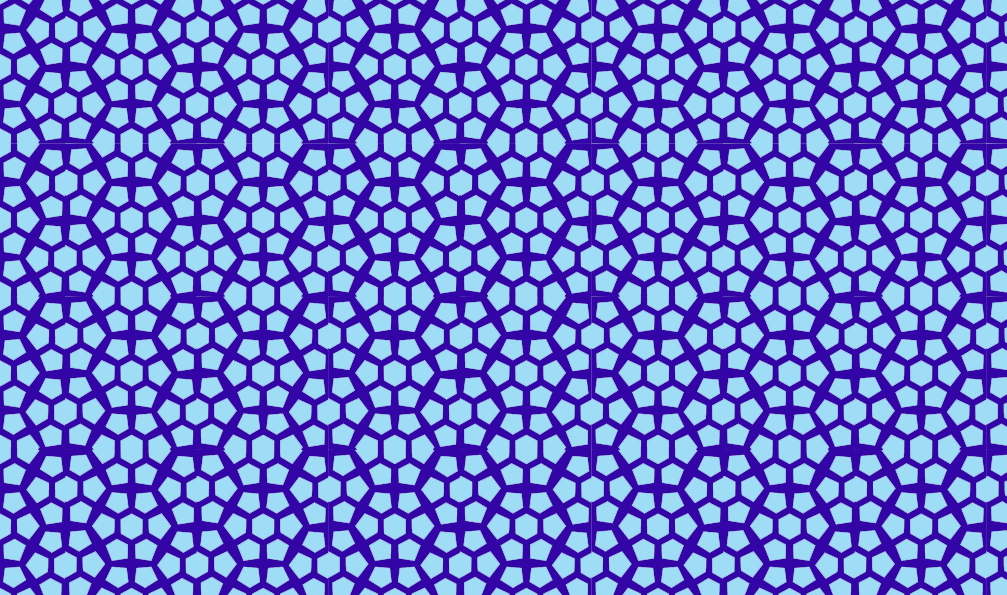
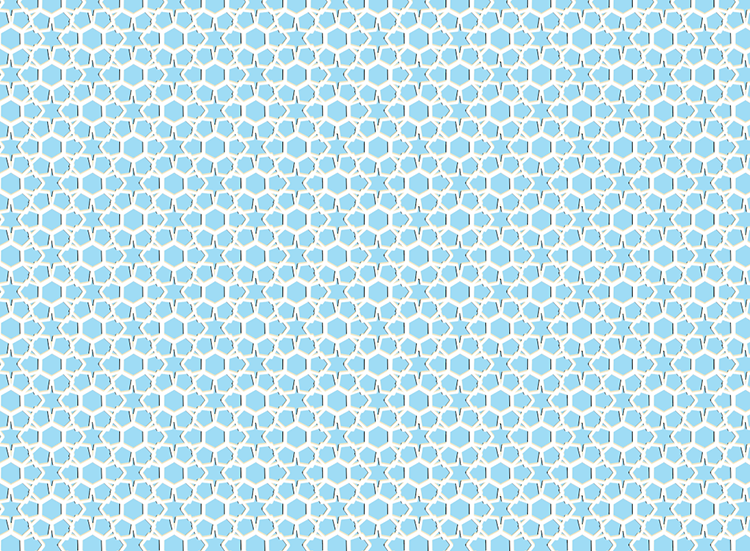
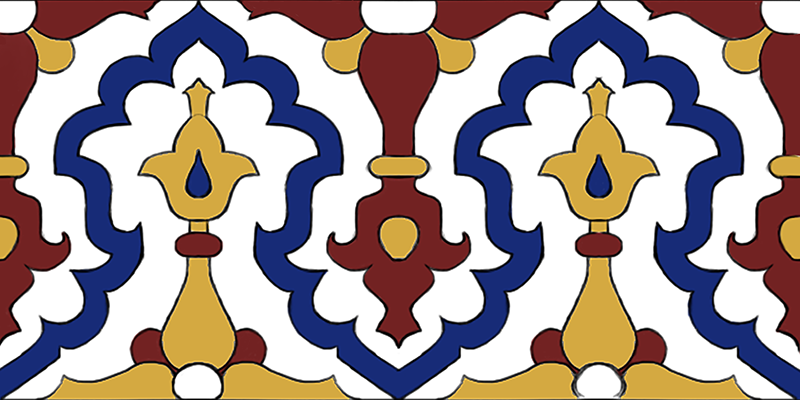
A small sampling of pattern work from the Fort.
Keeping it simple to begin with, I started with borders… because then I didn’t have to calculate designs in four directions.
Now, I’m starting to make things more complicated:
I was also able to create a singular replica of a little section of floor tile in the building I was creating.
I’ve updated this post twice already, and I will stop here. However, it does occur to me that I need to really start organizing all of my assets, or I will lose these base designs and have to recreate them going forward!
After a couple of months of just writing about the Lahore Fort Project, I finally decided to go back into 3D and try to make something!
This was harder than I expected.
There are a million components to everything, and literally every surface has some new and intricate pattern all over it! Even as I try to simplify the process by breakign things up into modules, this building… probably this Fort, will totally give me a new set of grey hair!
The camera move is dumb, but I couldn’t just do a single image!
It’s finally looking a bit like the actual building… but alas, I’ve barely started applying the patterns in here.